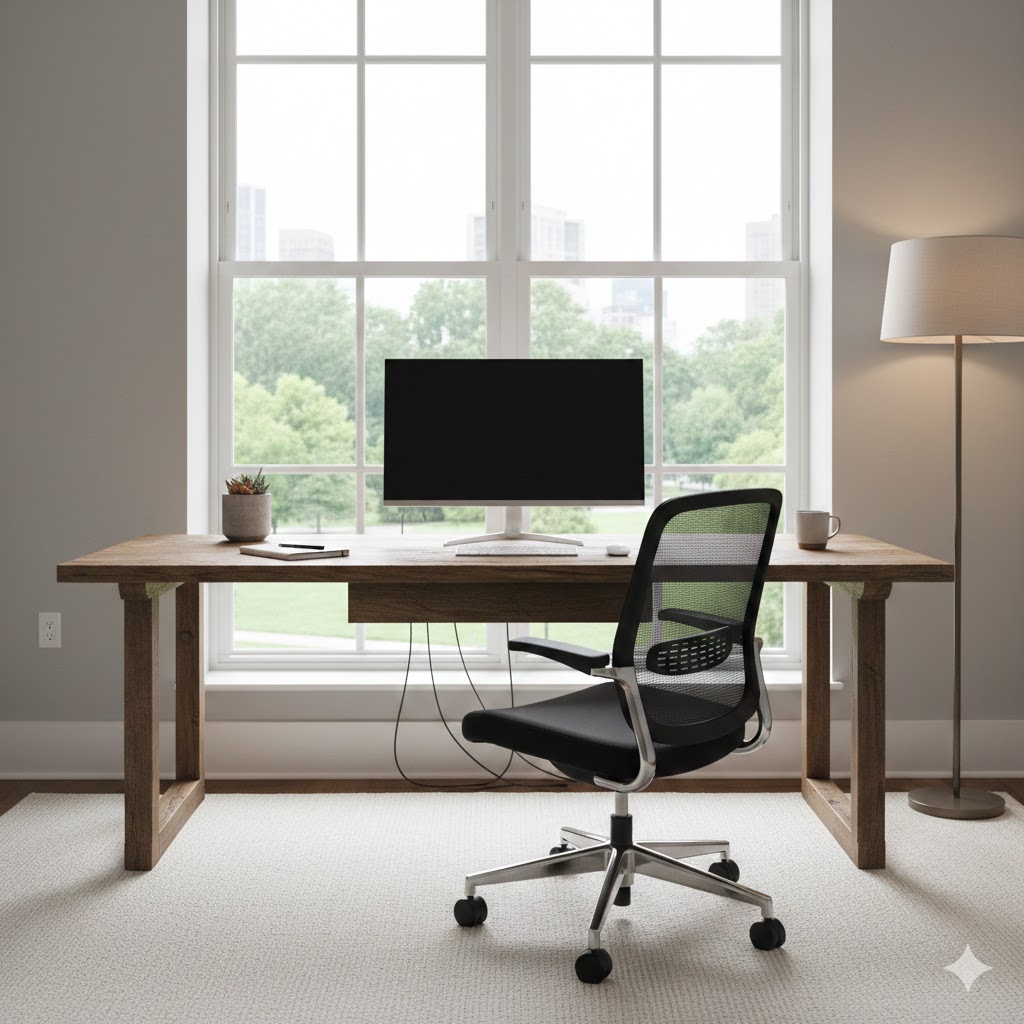
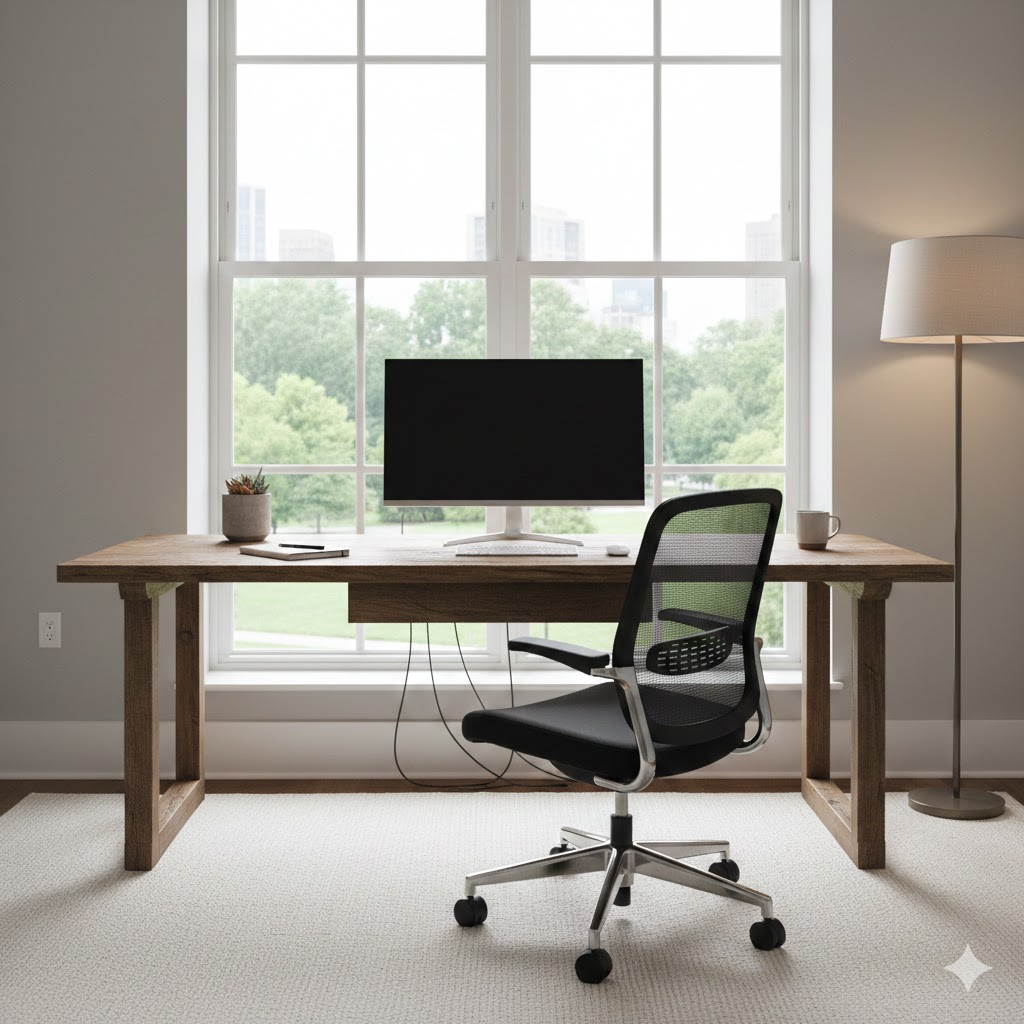
The layout of your workspace determines how efficiently you work. Before selecting furniture or decor, consider how you use the space daily. Are you mostly on a laptop? Do you need room for paperwork? Do you attend video calls? Your answers shape the layout.
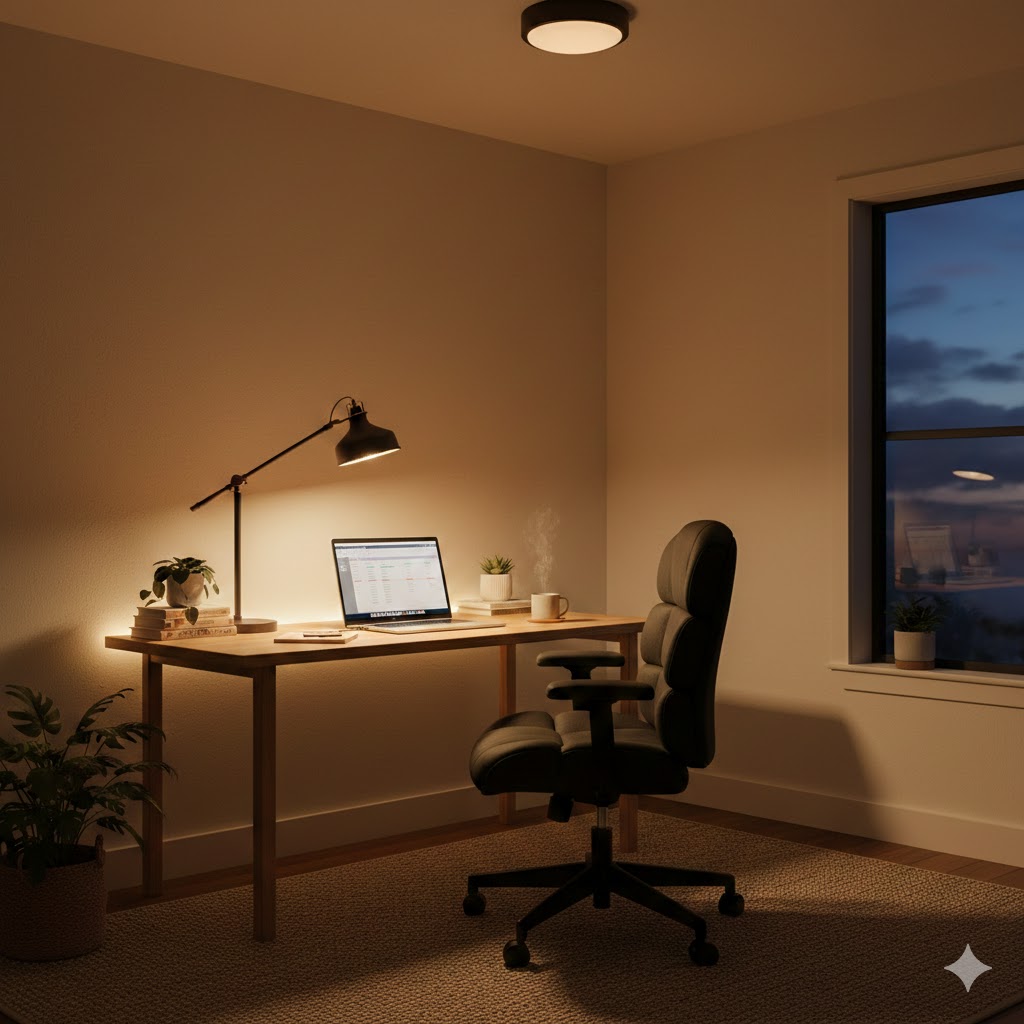
Start by choosing the right location. Ideally, place your workspace near natural light. A window-facing desk improves mood and reduces eye strain. However, avoid positioning your monitor directly in front of a bright window to prevent glare. If natural light is limited, position the desk where artificial lighting can evenly illuminate your work area.
Desk placement matters. The most productive layouts are:
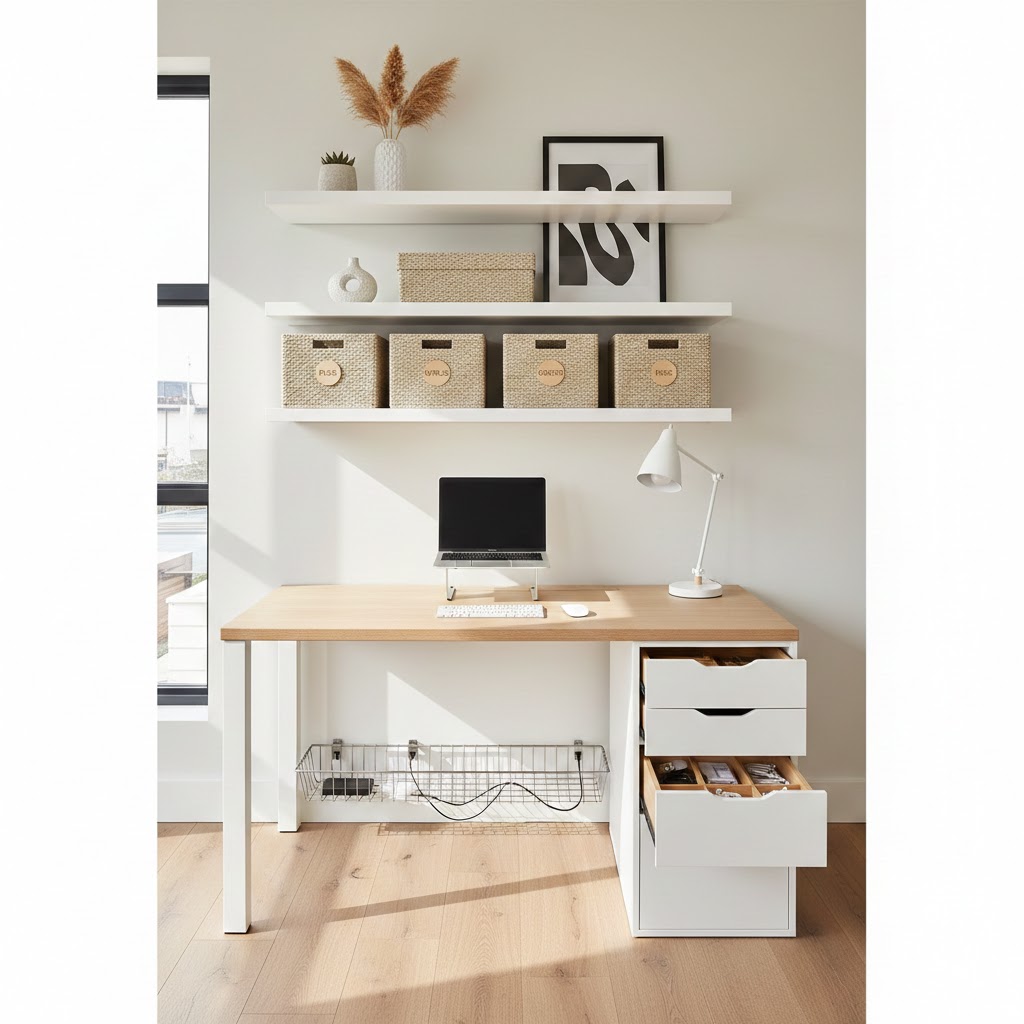
Against a wall (minimal distractions, clean focus)
Facing the room (power position, confident energy)
Corner setup (space-saving and efficient)
For small apartments, floating desks or foldable wall-mounted desks work well. They save space while maintaining function. If you have a dedicated office room, consider zoning the area: one zone for computer work, another for reading or brainstorming.
Keep movement flow clear. Avoid clutter around your chair. You should be able to stand, stretch, and move without obstacles. Good circulation improves mental clarity.
Cable management is part of layout design. Visible wires create visual stress. Use cable clips, under-desk trays, or wireless accessories to keep everything clean.
Ergonomics must guide your layout. Your monitor should be at eye level. Your chair should support your lower back. Your feet should rest flat on the floor. When layout supports posture, productivity increases naturally.
A well-planned layout creates calmness. Calm spaces allow deeper focus and longer work sessions without fatigue.